African Geomatics
Topographic Maps of Southern Africa
Thanks to
Grant Slater
, topographic maps covering several countries in Southern Africa are available as georeferenced online maps and XYZ tile services. You can view the maps in a web browser or add them as background layers in GIS software.
Adding the XYZ tile services to GIS software
These maps help preserve historical geographic information and make it accessible to everyone. Most of the map sheets date from the 1960s to the 1990s, documenting the region's landscapes, settlements, infrastructure and other geographical features at the time of mapping.
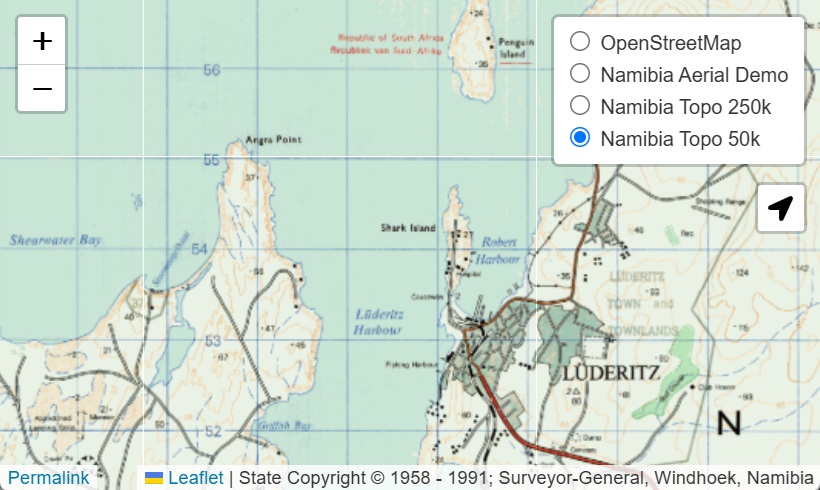
Namibia Topographic Maps
-
Topographic Maps 1:50,000 (1958–1991)
XYZ Tiles: https://namibia-topo.openstreetmap.org.za/layer/
na_sgswa_topo_50k/ {z}/{x}/{y}.png -
Topographic Maps 1:250,000 (1972–1989)
XYZ Tiles: https://namibia-topo.openstreetmap.org.za/layer/
na_sgswa_topo_250k/ {z}/{x}/{y}.png
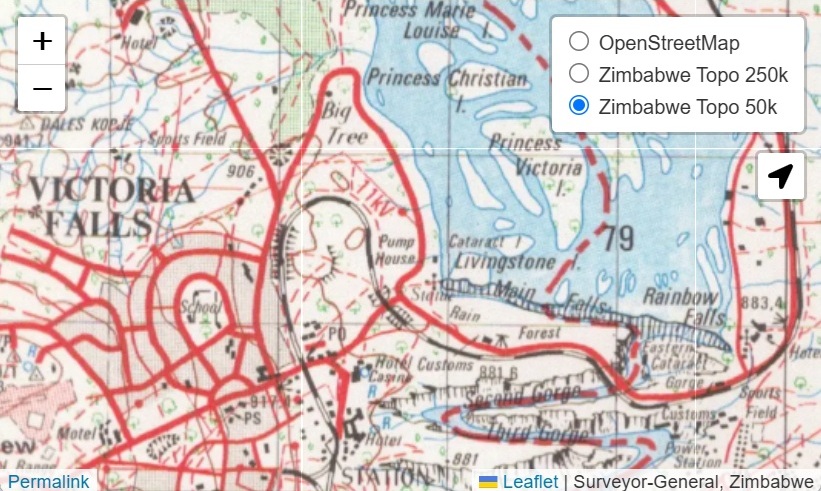
Zimbabwe Topographic Maps
-
Topographic Maps 1:50,000 (1960–2000)
XYZ Tiles: https://zimbabwe-topo.openstreetmap.org.za/layer/
zw_topo_50k/ {z}/{x}/{y}.png -
Topographic Maps 1:250,000 (1975–1995)
XYZ Tiles: https://zimbabwe-topo.openstreetmap.org.za/layer/
zw_topo_250k/ {z}/{x}/{y}.png
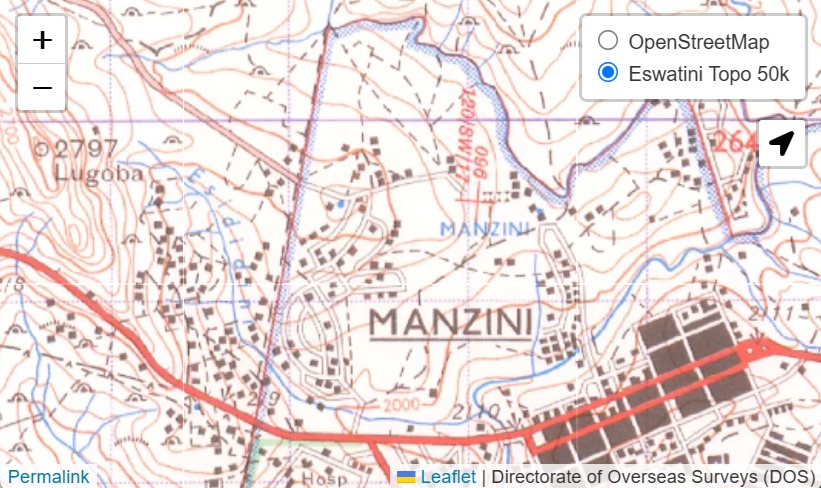
Eswatini Topographic Maps
-
Topographic Maps 1:50,000 (1969–1984)
XYZ Tiles: https://eswatini-topo.openstreetmap.org.za/layer/
sz_dos_topo_50k/ {z}/{x}/{y}.png
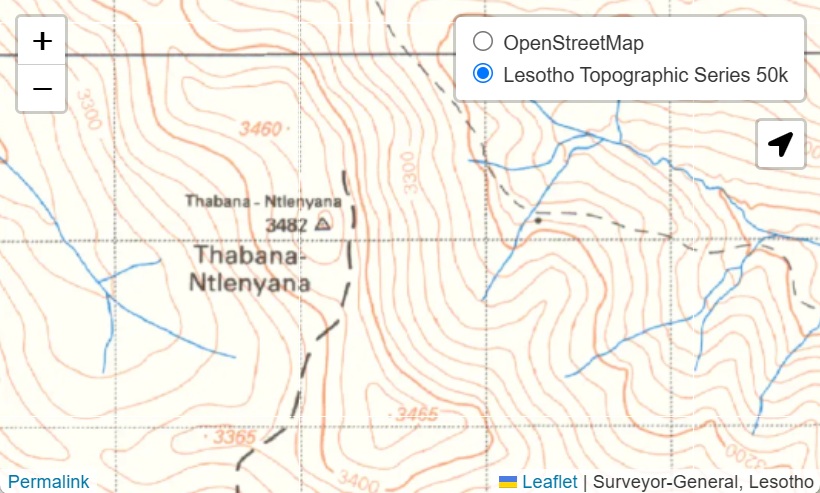
Lesotho Topographic Maps
-
Topographic Maps 1:50,000 (1979–1982)
XYZ Tiles: https://lesotho-topo.openstreetmap.org.za/layer/
ls_topo_50k/ {z}/{x}/{y}.png
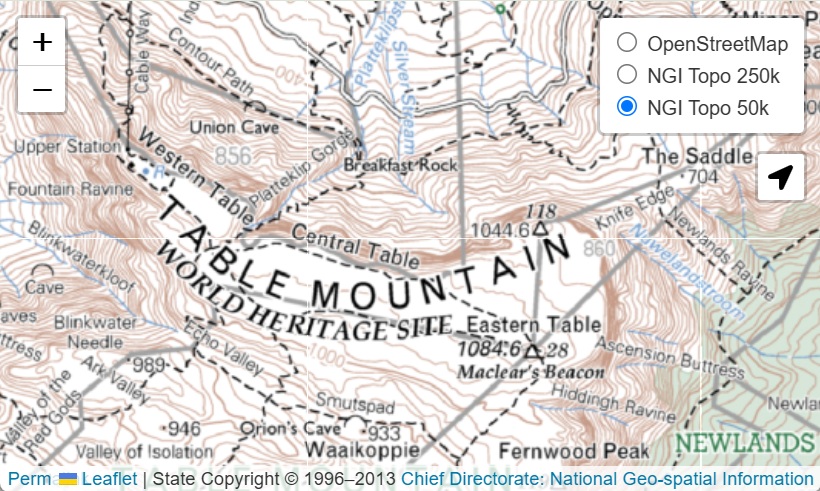
South Africa Topographic Maps
-
Topographic Maps 1:50,000 (1996–2013)
XYZ Tiles: https://topo.openstreetmap.org.za/layer/
za_ngi_topo_50k/ {z}/{x}/{y}.png -
Topographic Maps 1:250,000 (1996–2010)
XYZ Tiles: https://topo.openstreetmap.org.za/layer/
za_ngi_topo_250k/ {z}/{x}/{y}.png
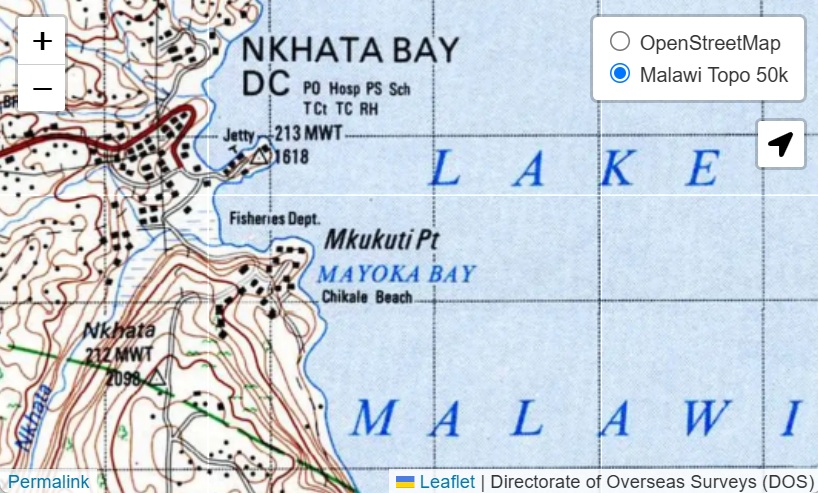
Malawi Topographic Maps
Incomplete, about 65 map sheets are still missing
-
Topographic Maps 1:50,000
XYZ Tiles: https://malawi-topo.openstreetmap.org.za/layer/
mw_dos_topo_50k/ {z}/{x}/{y}.png
How to Add XYZ Tile Services in GIS Software
QGIS
-
Open the Browser panel
-
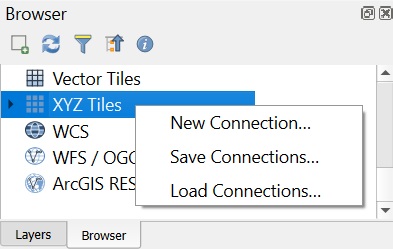
Under XYZ Tiles, click New Connection…
-
Paste the copied URL and enter a name for the connection
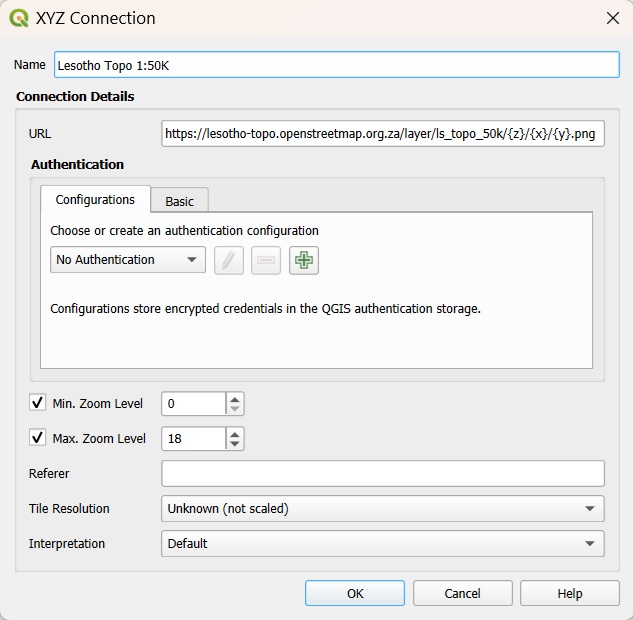
-
Add the layer to the project
ArcGIS Pro
-
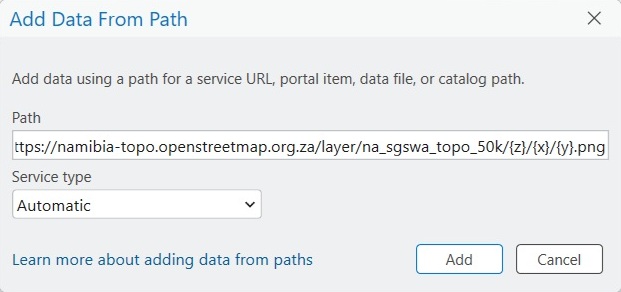
Select Add Data From Path
-
Paste the copied URL
-
The tile service is added to the map as a layer